Memophant × Claude Code
The session knows what every session before it learned.
Memophant ships an in-process MCP server. Claude Code picks it up automatically — search notes, write durable memory, query the code index — all without leaving the session.
The lifecycle
Start. Work. Distill. Commit.
Every session reads the memory at the start, learns through the work, and distills durable lessons at the end. The next session starts already up to speed.
- 1
Start — context loaded
On session start, Claude sees a brief MEMORY.md index plus the top relevant notes for the request. No 30k-token CLAUDE.md dumps.
- 2
Work — query as you go
search_notes, read_note, and memophant code find resolve in milliseconds. Claude reaches for them instead of grepping.
- 3
Distill — propose new memory
When the session yields a durable lesson, Claude calls write_note with citations. Memophant queues it for your review.
- 4
Commit — secret-scanned
Approved memory commits with the rest of your work — versioned, reviewable, and ready for every future session.
The CLAUDE.md block
One short block. Every session, fully equipped.
Memophant maintains this block in your CLAUDE.md (between markers — your other instructions are left untouched). Any Claude session reading the file knows exactly how to query the memory.
## Memory System (managed by Memophant)

This project uses a layered memory system so every Claude session is productive immediately.

- Search memory:  search_notes(query: "...", project: "memophant")
- Write memory:   write_note(title, content, folder, project: "memophant")
- Wiki search:    search_notes(..., project: "memophant-wiki")
- Code search:    memophant code find <Symbol>

Read the repo's .memory/ and wiki/ before starting work. Record durable
decisions there — not in this file, and not in any session-private memory.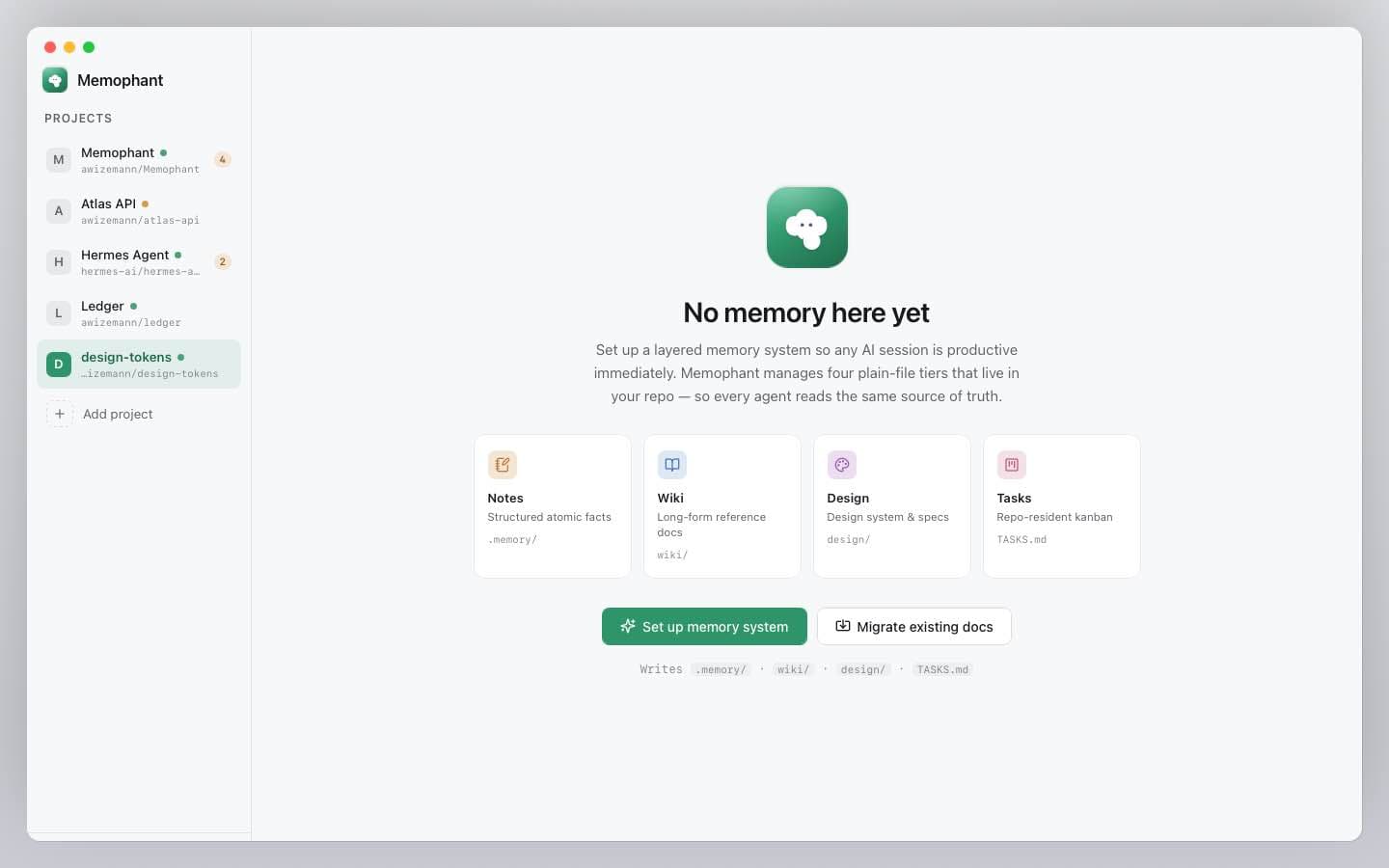
Setup
Three commands. No PATH wrangling.
Memophant bundles the MCP server binary and the memophant code CLI. Auto-registers with Claude Code on first open. Your other Claude Code projects are not affected.
- No Python runtime, no global pip installs
- Works offline — search and code index are local
- Cursor, Codex, any MCP-aware client works the same way
# 1. Install Memophant (DMG, ~30s).
# 2. Open your repo in Memophant — first-run creates .memory/ + wiki/.
# 3. Memophant auto-registers the MCP server with Claude Code.

# That's it. Open Claude Code in the same repo and the tools appear in chat.
$ claude
> /mcp                    # confirm memophant is connected (11 tools)
> search_notes "auth"     # query memory directly from the session
Ready when you are.
The notarized DMG ships in about two weeks. Join the list to be the first to know.